Call intake
Pilot · tested with your routing


Less Office Work. Less Stress.


Put less of your evening into running the office.
Explore what is ready for your business. No payment required to request a walkthrough.Meet your extra pair of hands
You got into the trade to fix things. Let’s work out how Sōl can help with calls, intake and the office work that keeps you up late.
Keep your current phone · Start with a demo · We confirm what’s connected
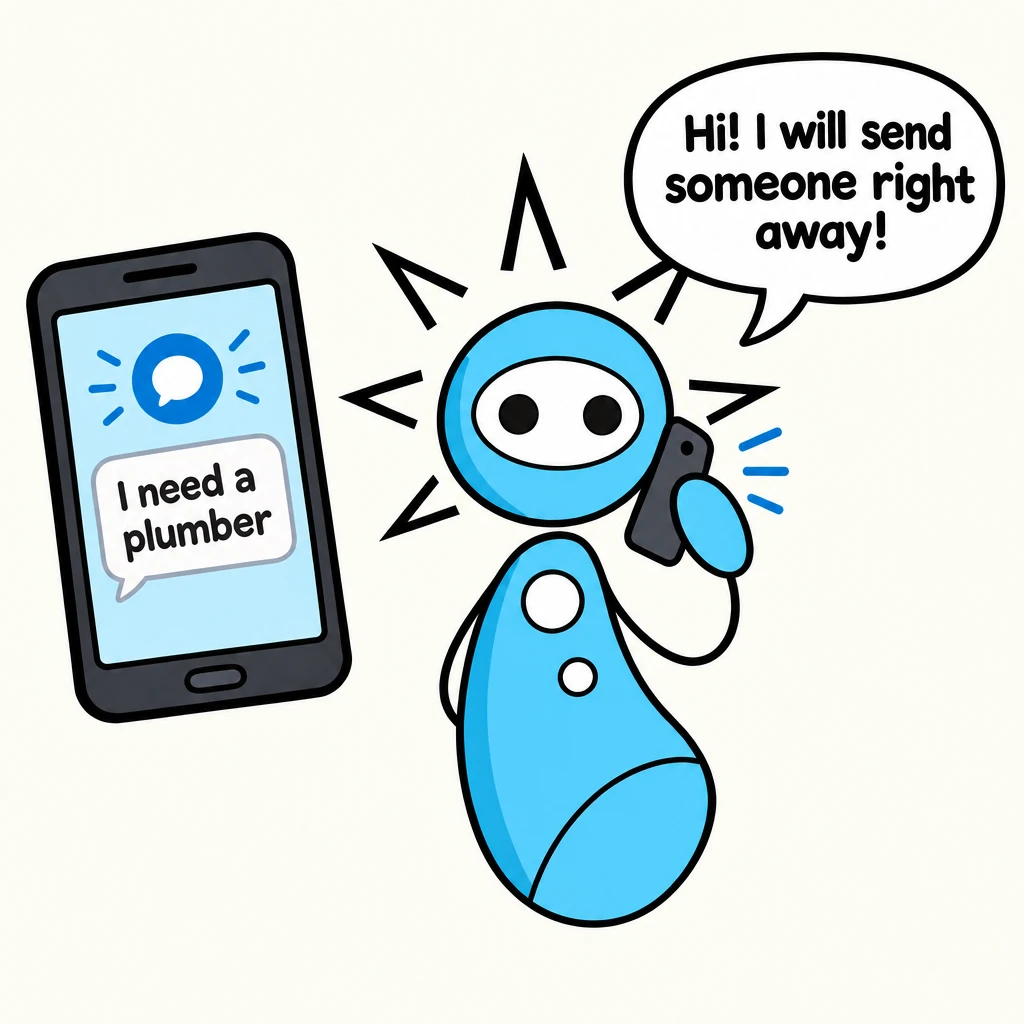
My water heater is leaking. Can someone help?
I can take a message for the team. Is water actively flowing?
I’ve turned the water off.
Got it. What’s the best number for a callback?
One assistant. Many ways to help.
Pilot · tested with your routing

Requires a connected, verified calendar

Payment provider connection required

Connected payment workflow required

Optional location tracking · prototype
Authorized access only · broader lookup gated
Calls, messages, estimates or the pile of paperwork. Start with what matters to you.
We’ll discuss your business and show you a relevant demo.
We confirm scope, pricing and the setup before you rely on it.
When you're under a sink or on a ladder, you don't have time to tap through menus. Solution Workshop lets Pros operate their business with single-character texts.
Marks the job complete, logs the timestamp, and offers the next billing command.
Creates a Stripe Checkout link when billing is configured. SMS delivery requires a connected messaging provider.
Prepares a friendly payment reminder using the existing or newly created payment link.
Marks the active job as awaiting parts. Any schedule change remains a separate action.
Marks the session for cancellation or rescheduling and prepares a customer message.
Marks an emergency halt and prepares a priority customer message for human review.
Not every situation fits a fast key. When a technician encounters an unforeseen hurdle—like a rusted valve, missing access code, or expanded scope—they simply text what they see in natural language.
Uses the current authorized job and quoted totals to formulate options. Historical-account access remains gated.
A numbered reply selects the next internal workflow. Customer delivery still depends on review and configured providers.
Founded in 2021 by owner Matthew "Mac" McCabe in Colorado Springs, CO, MacLine Plumbing delivers residential service, bathroom remodels, and custom plumbing solutions.
"To serve and walk with integrity with customers... bringing glory to God and life to one another."
MacLine case-study business: Colorado Springs, CO 80922 | (719) 649-6059
The case-study workflow demonstrates estimates, billing preparation, and field decisions through Solution Workshop text commands. Live delivery depends on configured providers.
Pipes · planned service tiers
Four ways to work with us. All tiers are unpriced for now. These are service plans to discuss, not active subscriptions.
Pipes workflow: Plumbing intake, estimate drafts and job updates. These examples describe the existing demo or planned scope, not a live feature bundle.
Shared demo · pilot
Try a shared Solution Workshop entry/demo phone route for intake and message-taking.
The shared number is not your business number. Tenant-branded SMS is not included or promised.
Talk with usPilot · requires connection
Plan tenant-specific voice identity and routing, with your own number or a verified forwarding path.
Calendar connection and booking are pilot work, available only when connected and verified. No self-service calendar connection is live.
Talk with usRoadmap · connector required
Explore personal-channel integrations for iPhone or Android with a supported connector and your authorization.
These integrations are roadmap work. BlueBubbles and Android integrations are not live; private iMessage access is not promised.
Talk with usCustom scope · approval required
Scope tenant integrations, policy review, data boundaries and operational support around your workflow.
Every custom integration requires scoped approval. Historical-account access is not generally available.
Talk with usPlanned pricing model: entry-level accounts may pay a capped percentage platform fee on successful homeowner-to-Pro Stripe payments. Higher subscription tiers may carry lower percentages. Amounts, caps and terms are not set for these tiers.
Two separate payments: homeowner-to-Pro job payments would use the Pro’s Stripe Connect account. Pro-to-Solution Workshop subscription billing pays for the software. Tenant-specific Connect money movement and subscription billing are not active.
Optional financing: any future financing option would be customer-initiated checkout, subject to provider eligibility. Availability is not promised.
Available today: homepage demo requests are recorded. Voice assistants are pilots; the industry examples on these pages are demos or roadmap work. Booking requires a connected, verified calendar and a confirmed result. Broad historical-account lookup is unavailable.
Before you change a thing
See what fits your plumbing business, what needs a connection, and what you can try today.
Yes. You can keep your number and phone. Depending on your carrier and plan, Sōl can answer calls you miss or send to voicemail through forwarding. We help you test the setup before you rely on it. Call forwarding does not forward texts. Our standard approach is a separate, memorable local assistant number for texting, subject to availability and messaging approval. Want to text from your existing number? Ask us to assess a custom setup; support depends on your phone, carrier, and workflow.
You can keep your current phone. Customers do not need an app to call or text an enabled assistant line. You can explore our demos in a web browser. Optional crew-location tracking may need Traccar Client or a compatible tracking device, plus an agreed work-hours and consent setup. Tracking is not required to try Sōl.
We can help search for a memorable local number, including a word that fits your business. For a florist, 717-BOUQUET shows the idea; it is an example, not an available or reserved number. Your preferred area code, word, and voice/text support all depend on current inventory.
We can try a shorter word, a nearby area code, or an easy-to-remember numeric ending. You review the actual number and cost before any purchase. No substitute is purchased automatically.
Ask for the full cost breakdown before you approve a setup: the number, your service plan, call and text usage, messaging registration, and any custom work. Carrier fees and optional connections can add costs. The planned tiers shown here are not a final quote; we confirm the applicable offer with you before paid activation.
Yes, an assistant number can support both once voice and messaging are separately configured, approved, and tested. Working calls do not prove texting is ready. If you keep your existing mobile number and forward calls, texts to that mobile number still go to your phone unless a supported custom texting setup is arranged.
If you keep your existing number with your carrier, it stays in your carrier account. For a new assistant number, ask us to document the account holder, your access, and the transfer-out terms before purchase. We have not finalized a universal number-transfer policy, so we will not promise portability or a transfer date before checking the specific setup.
Sōl should ask a short follow-up question or explain that your team needs to review the request. It should not invent a price, answer, appointment, or callback promise. Human handoff depends on the tools enabled for your setup; the result must say whether a request was saved or a notification actually sent.
A controlled plumbing pilot has calendar-booking tools. General customer rollout still needs verification. An appointment is booked only after the caller agrees, the calendar is checked again, and the booking succeeds. Without that confirmed result, it remains an unbooked request. Customer texts and crew alerts are separate steps.
Yes. Explore the Pipes demo with fictional details or request a guided walkthrough. Browsing does not change your phone service, buy a number, send a customer message, or charge a card. A live-call pilot needs a separately agreed setup and test.
Let’s see where Sōl fits.